
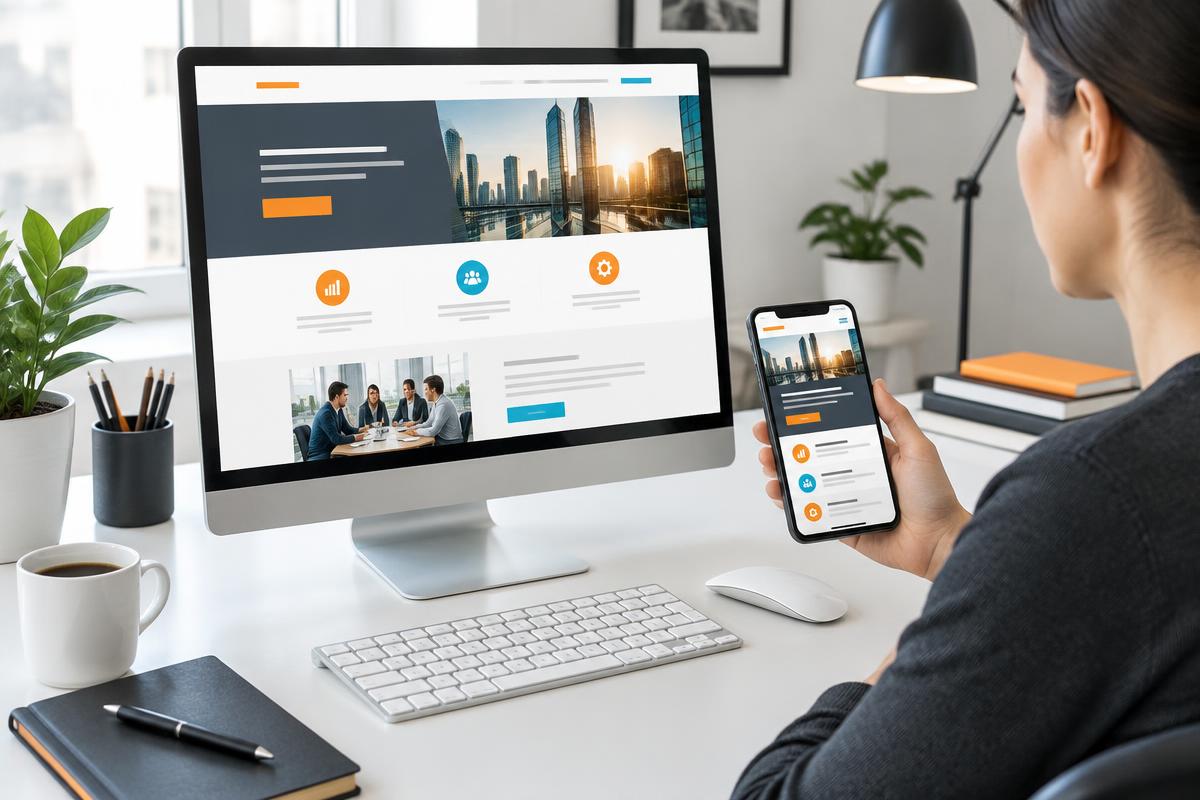
A business website should make a decision easier. Visitors need to understand what you offer, whether it fits their situation, and what happens when they contact you. An attractive page that leaves those questions unanswered can waste the attention earned by search, advertising, or referrals.
This website design checklist focuses on the path from arrival to inquiry. Use your actual service pages and forms, not just the homepage. Our website design service follows the same principle: presentation should support a useful customer journey, not replace one.
1. Make the first screen explain the offer
Read the headline without the rest of the page. Does it name a service or a clear outcome the business genuinely provides? Broad phrases such as 'solutions for success' force the visitor to interpret your offer. Follow the heading with plain-language details about the service, intended customer, and next step.
When the page receives ad traffic, make it match the ad's promise. A campaign about a particular service should not send visitors to a generic page where they must find it again. Google's landing-page guidance emphasizes relevance between an ad and its destination.
2. Answer the questions that come before contact
A useful service page explains what is included, who it suits, meaningful limitations, and the process after an inquiry. If you cannot publish a fixed price, explain the factors that affect a quote rather than implying every project is identical.
Use authentic photos, accurate credentials, and customer statements you have permission to share. Do not substitute invented success figures for missing proof. A specific explanation of how the work is handled is more trustworthy than an unsupported claim that you are the best.
- What service is available, and what is outside its scope?
- Who is the service suitable for?
- What information is needed for an estimate or appointment?
- What happens after the visitor sends a request?
3. Check mobile use and accessibility together
Use the page on a real phone. Check that text remains readable, controls are easy to use, and menus do not obscure the content. Test a keyboard-only journey too: a visitor should be able to move through links, form fields, and the submission control without using a mouse.
Forms need visible labels and understandable error messages. Do not rely on color alone to explain a problem. Keep the content meaningful when images are unavailable, and provide appropriate alternative text where an image conveys information. Accessibility is an ongoing practice, not a decorative badge.
4. Test the form, not just the button
Ask only for the details your team needs to take the next step. Explain why additional information is necessary if the request is more involved. A short form is not automatically better if it leaves your team unable to understand or route the inquiry.
Submit valid and invalid test requests. Confirm that errors are clear, successful requests reach the right destination, and the confirmation explains what happens next. If follow-up is not immediate, do not promise an instant response. For measurement, use our Google Ads conversion-tracking guide to distinguish a form submission from a customer.
5. Remove avoidable loading and navigation friction
Large images, unnecessary scripts, and heavy embedded media can delay access to useful content. Use PageSpeed Insights as a diagnostic starting point, then reproduce the visitor's experience on the devices and connections that matter to your audience.
A tool score is not proof of business success. Fix broken links, hidden contact details, and confusing navigation alongside performance issues. Keep service information in accessible page text so people and search engines can understand it, rather than putting every important detail inside an image.
Local website details for Sarasota and Bradenton
If you genuinely serve Sarasota and Bradenton, explain that coverage where it helps a customer decide. State whether customers visit you or you travel to them. A separate location page should add useful detail, not simply replace one city name with another.
Do not imply a Bradenton office exists because you serve customers there. BoostAware's Sarasota and Bradenton pages connect local service information with our broader national and global work. The same approach applies to any real service region. Our local SEO checklist covers the related search-visibility checks.
Prioritize the problems that block customers
Fix a broken form or unclear offer before debating minor visual preferences. Record the changes, then compare completed inquiries and their quality over suitable time periods. A redesign can improve usability, but no layout alone guarantees more qualified leads.